Learn how to choose a course, complete your registration, and access your training. Follow the video or instructions below.
Watch video below:
Instructions below:
- Log in to your to your Training Portal.

- Hover over the "Training" option in the menu and select "Training Catalog".

- Search for the course and select "Register". You will be taken to the University of Minnesota registration course page.
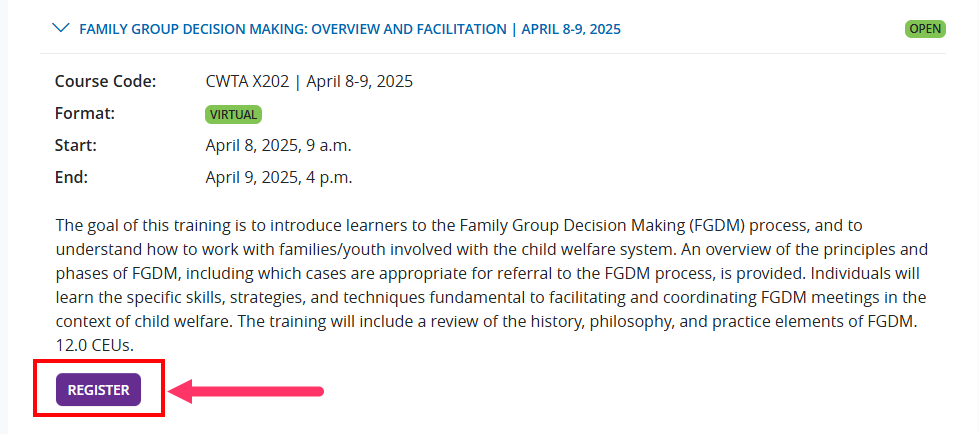
- Find the training and select "Add to Cart".
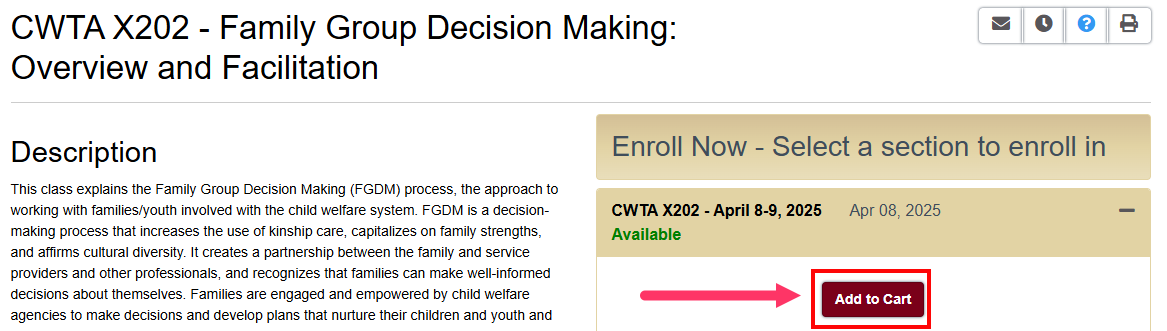
- Select "Checkout" on the pop-up.
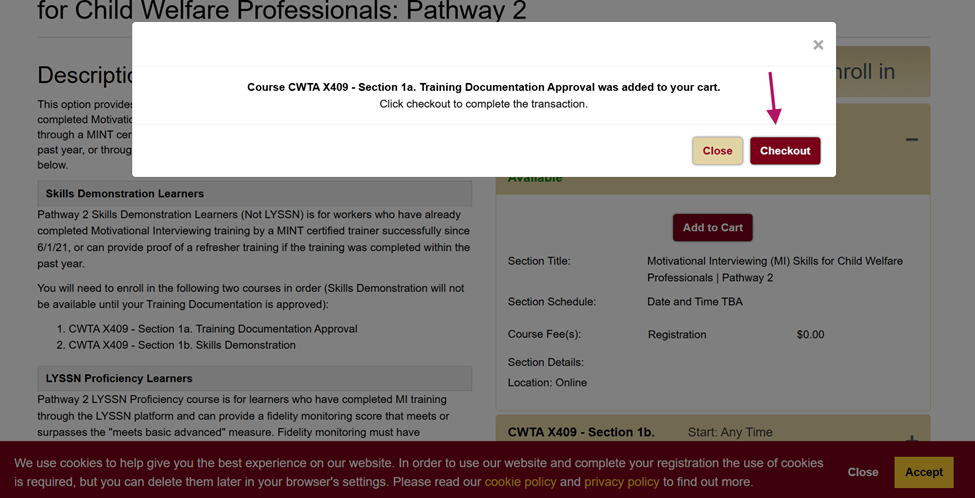
- Select "Checkout" again.
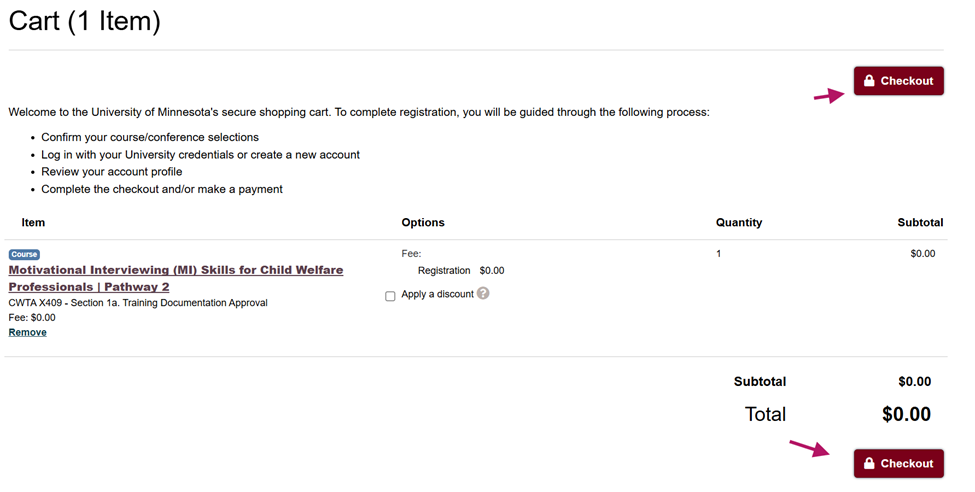
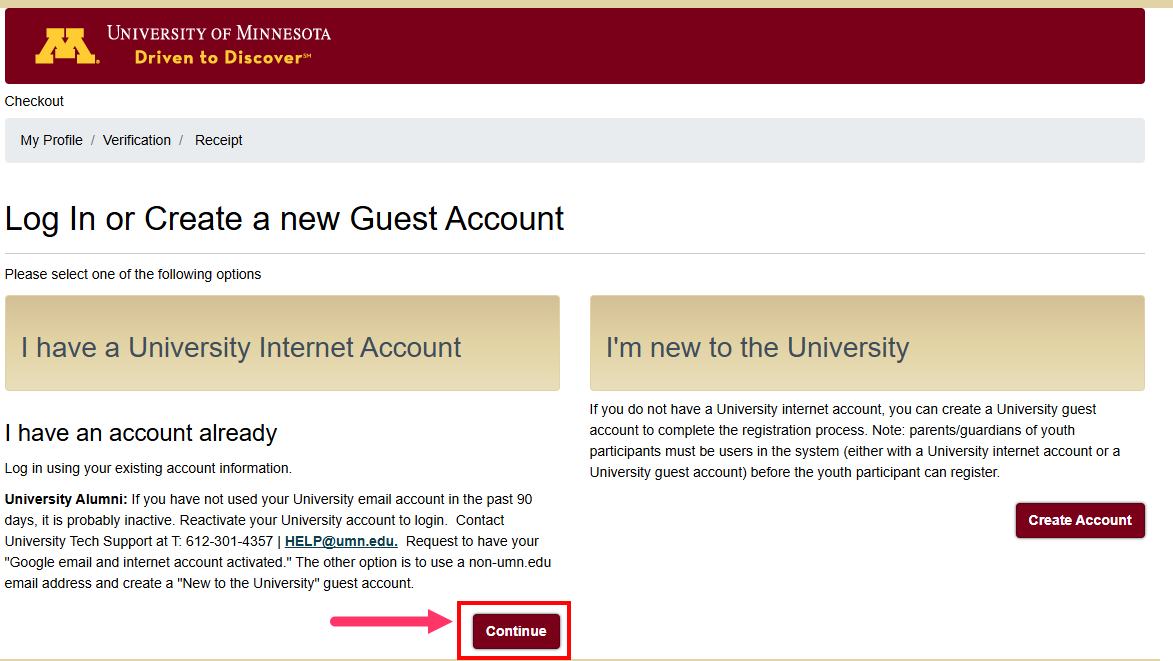
- Select "Continue" under "I have a University Internet Account". Enter your username and password and select "Sign In".
- Answer the required fields and select "Continue Checkout". It should bring you to your receipt.
- You will receive a confirmation email with additional information about the training from the University of Minnesota.
- Go back into your portal to view/access the online training course.
If you need additional assistance, submit a ticket on the Contact Us page. If you do not get an email confirming your ticket has been received, follow the steps in the Help Desk: No Response article.
Was this article helpful?
That’s Great!
Thank you for your feedback
Sorry! We couldn't be helpful
Thank you for your feedback
Feedback sent
We appreciate your effort and will try to fix the article